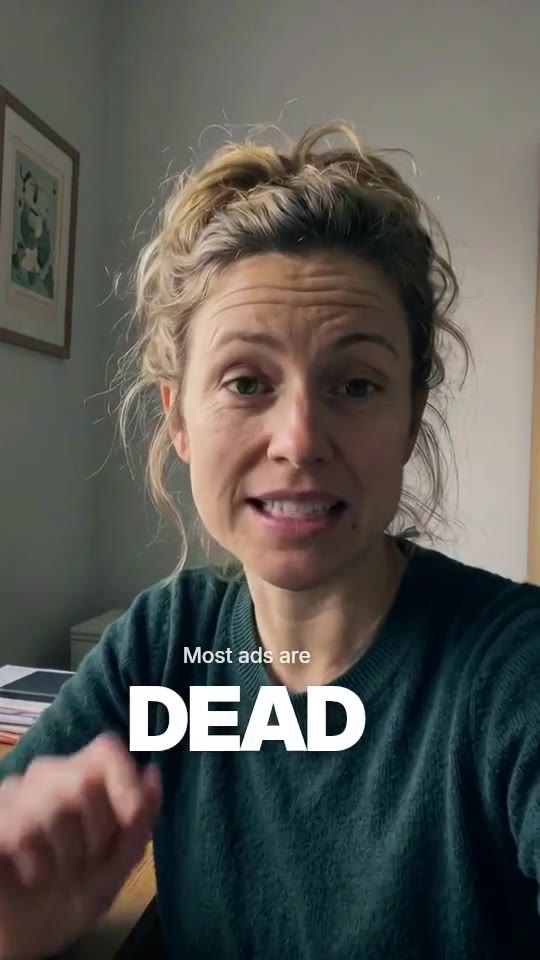
Native
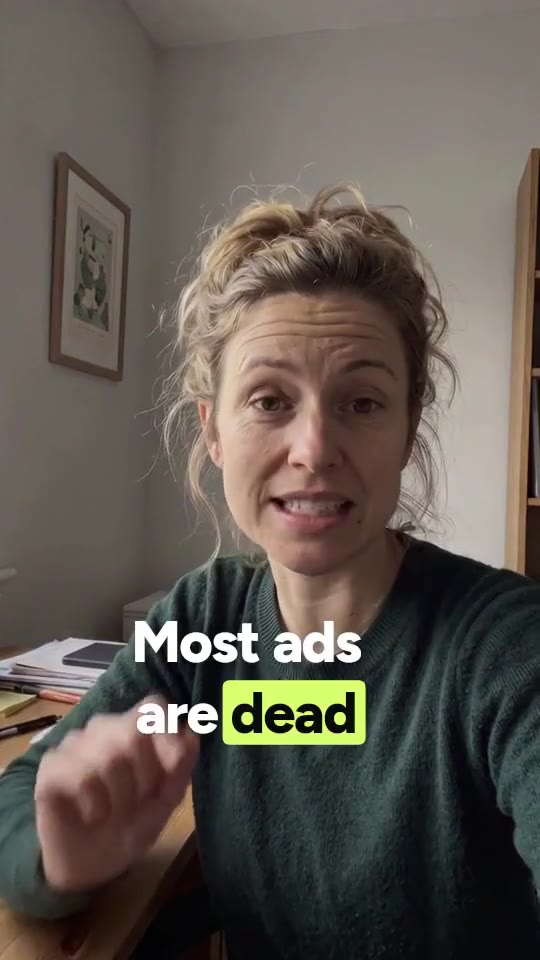
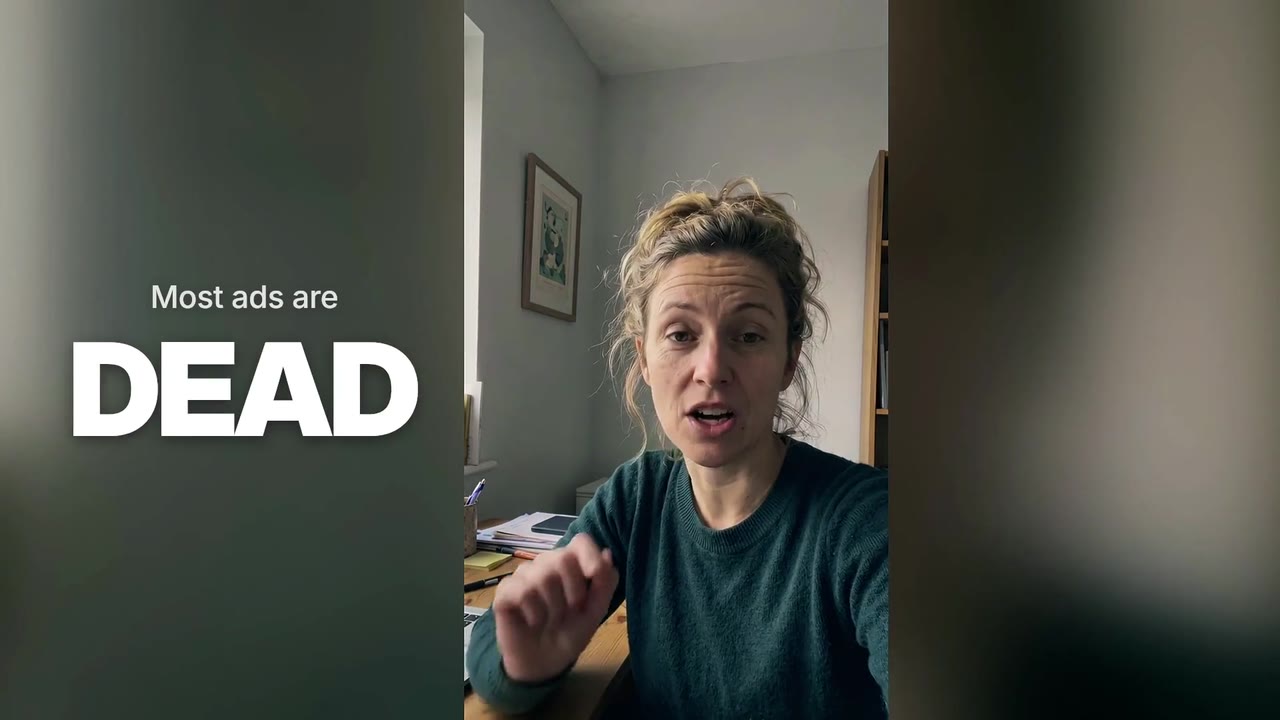
Feed-native creator cut: tight, warm, one big word at a time.
For founders, creators and marketers
Upload a phone take of yourself talking. Skarv cuts the pauses, cleans your voice, grades, captions and designs it into a finished ad — in every format, in minutes.
80 free credits. No card needed.
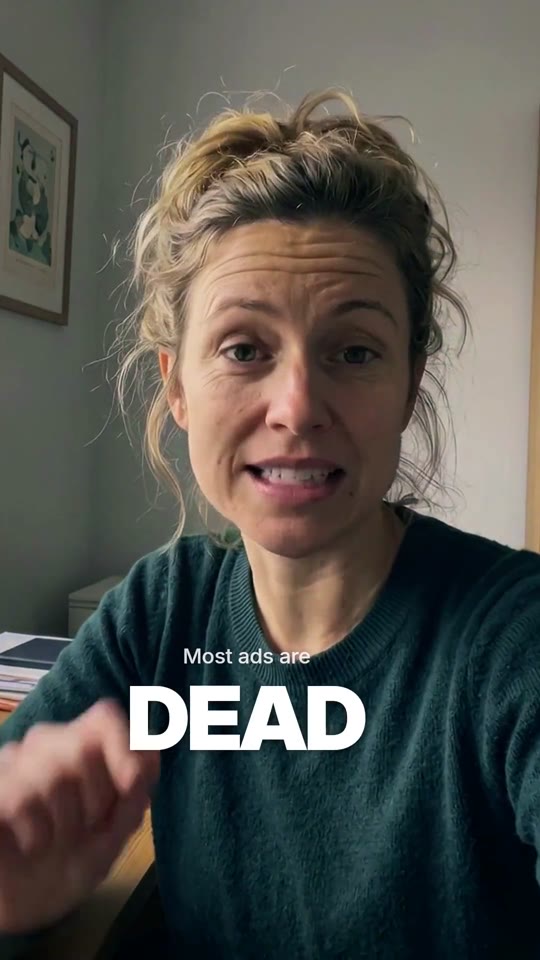
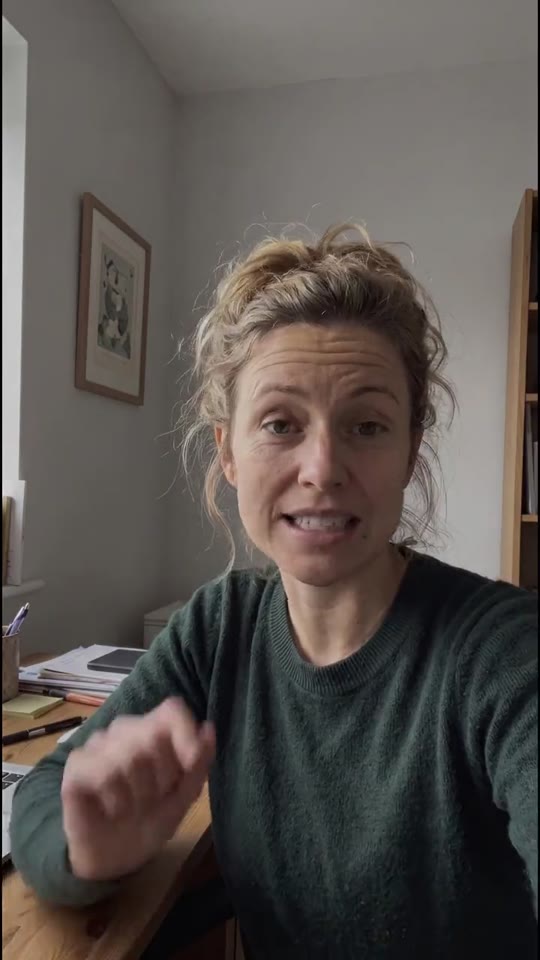
Demo footage · AI-generated person · edited by Skarv
01The cut
Skarv transcribes your take word by word, finds the pauses, the ums and the lines you said twice, and cuts on the syllable. This is the demo take above, exactly as the engine cut it.
02The Surge
One slider decides how hard Skarv works on your take. Draft is a fast, clean cut. Master puts five agents on it, with two critic passes and 4K. The price is on screen before anything runs.
The default. Editor, motion-designer and sound-designer agents, de-reverbed studio voice and a music bed written for this cut.
57creditsPrice of this ad
$5.70
57 credits at the top-up price of $0.10 per credit. Plans bring the credit price down. Every format is included.
Available onThe free trial and every plan
03Styles
A style is a whole edit grammar: captions, camera moves, graphics, sound, music and grade. Below is the same demo take in every style, rendered by Skarv’s engine.
Feed-native creator cut: tight, warm, one big word at a time.
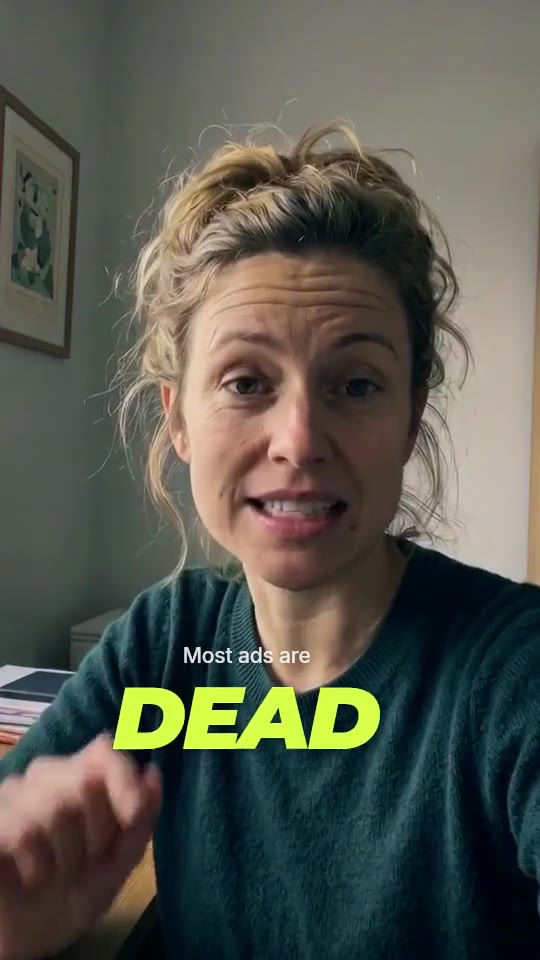
Hook first, proof on screen, a CTA that lands. Loud, never cheap.
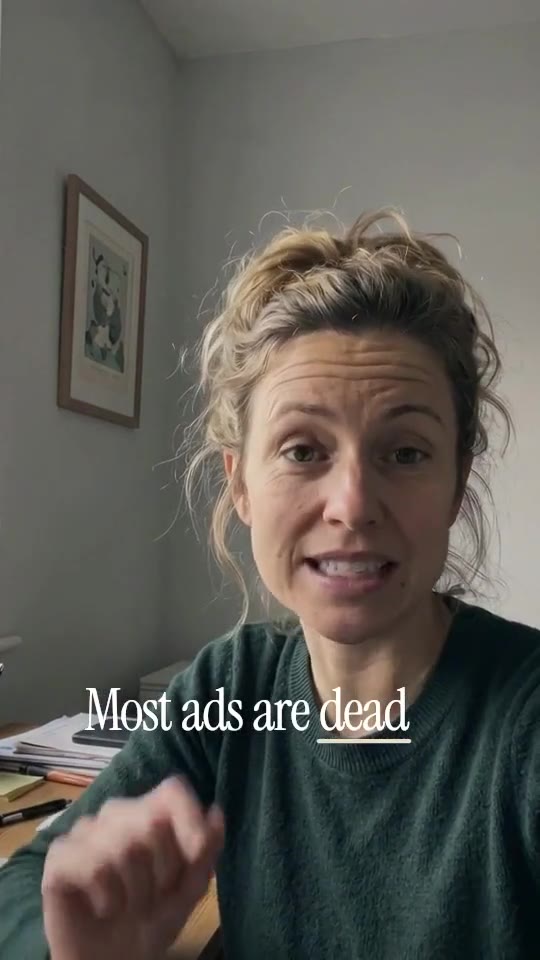
Quiet editorial type with serif accents and room to breathe.
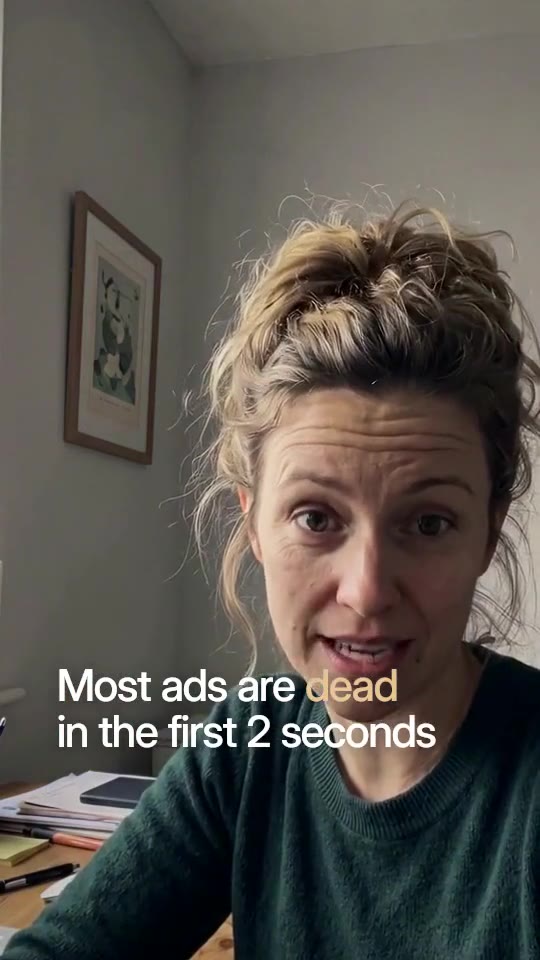
Story first and patient: natural pauses, a cinematic grade, no gimmicks.
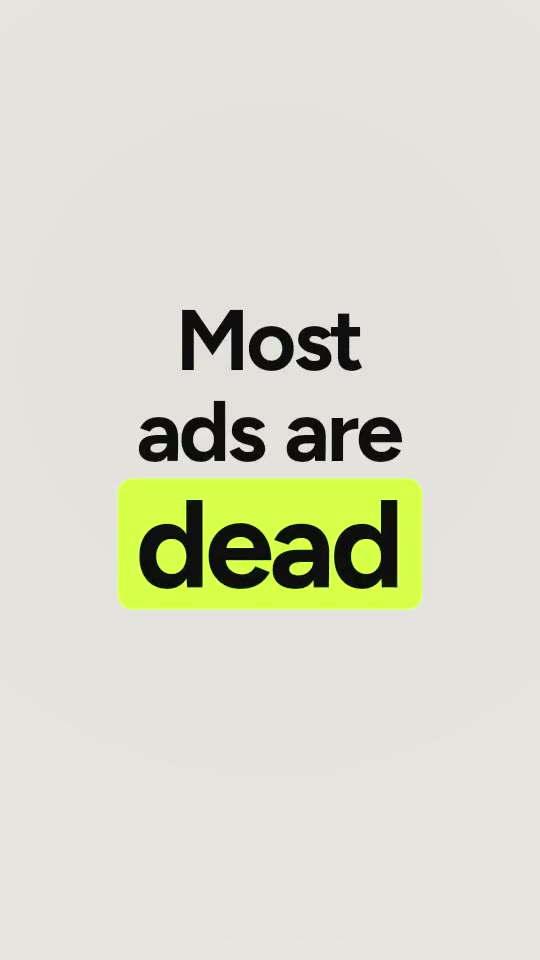
The words are the picture: full-frame type cards between your takes.
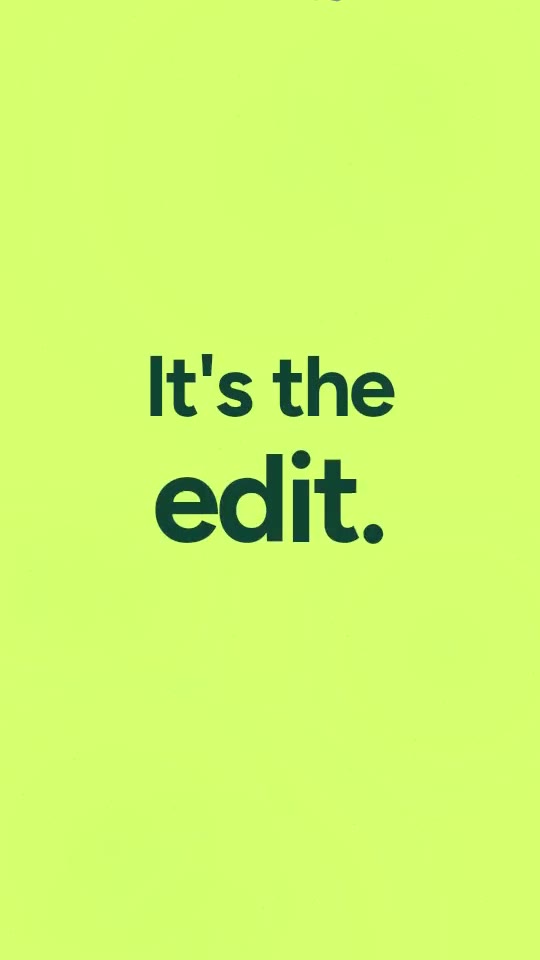
Tactile stop-motion: you, cut from paper, on coloured sheets.
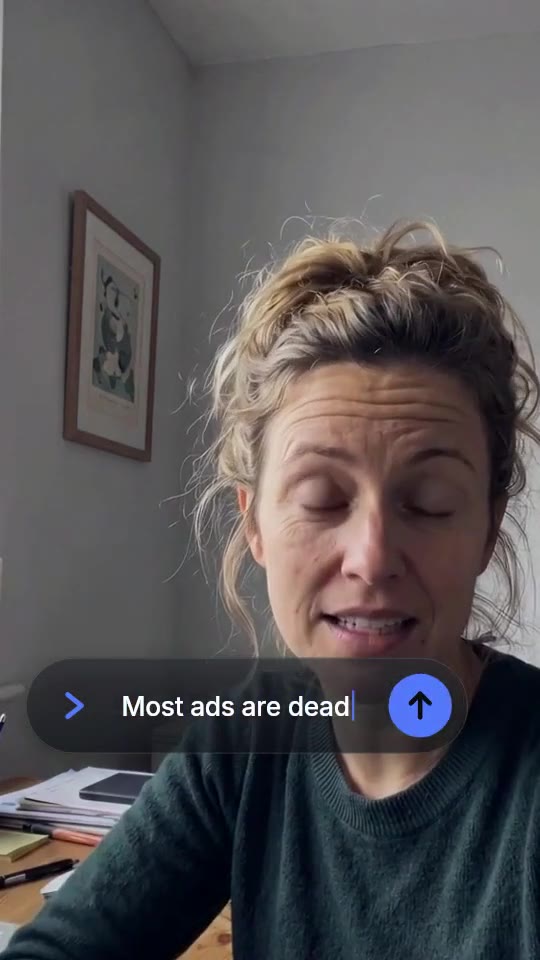
Product-forward: glass UI, typed prompts, numbers that count.
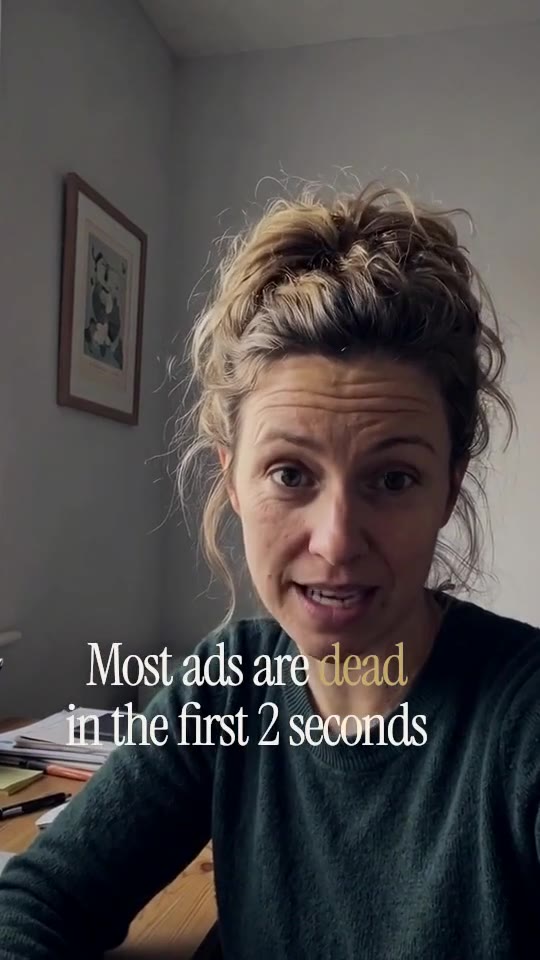
Slow, dark and exact: thin type, deep blacks, nothing hurried.
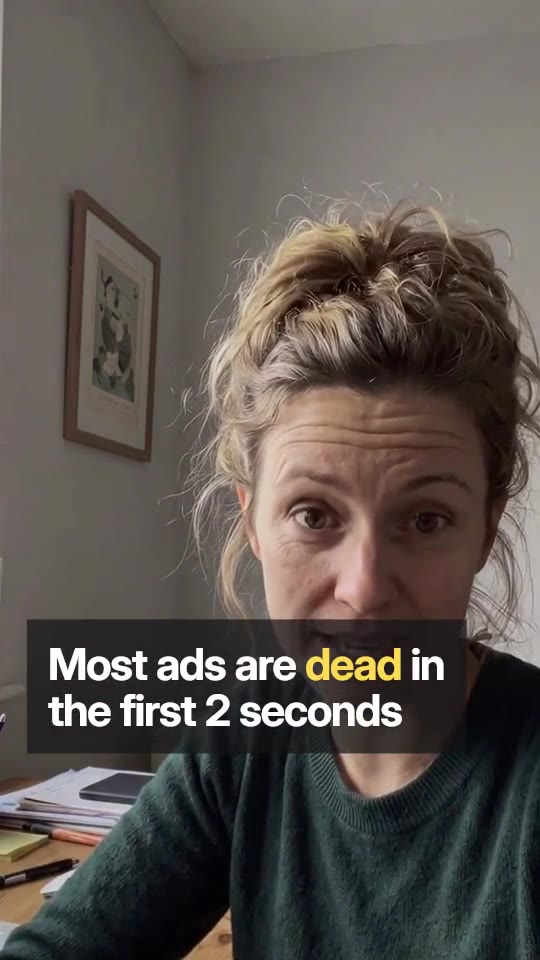
Clear and sourced: chapter labels, numbers that count, the argument mapped.
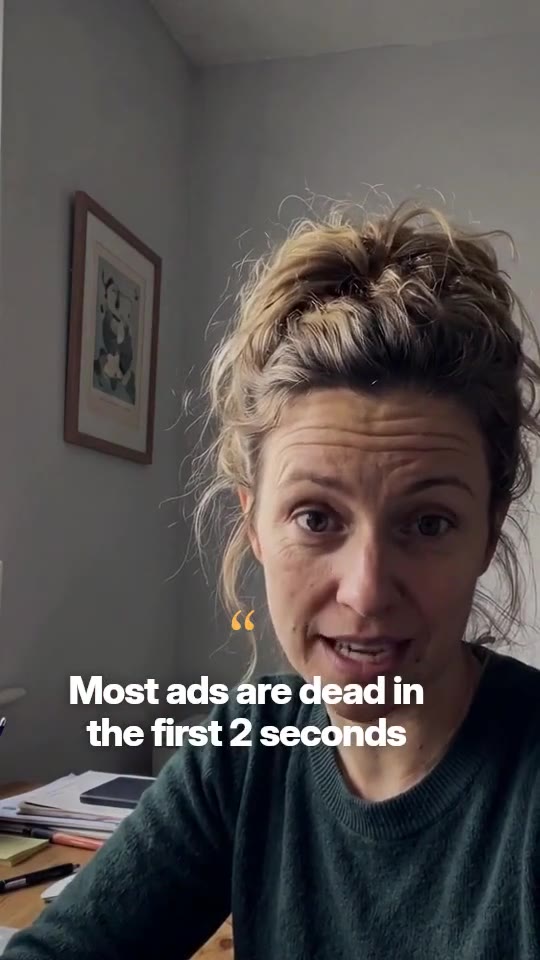
Studio-clip clarity: karaoke words and a two-camera rhythm from one take.
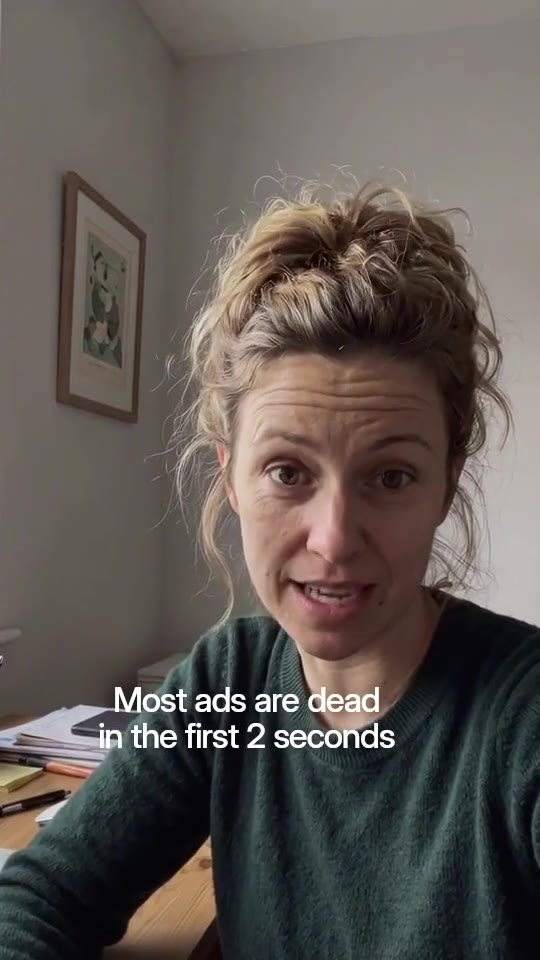
Calm, accessible, on brand: subtitles, lower thirds, nothing that shouts.
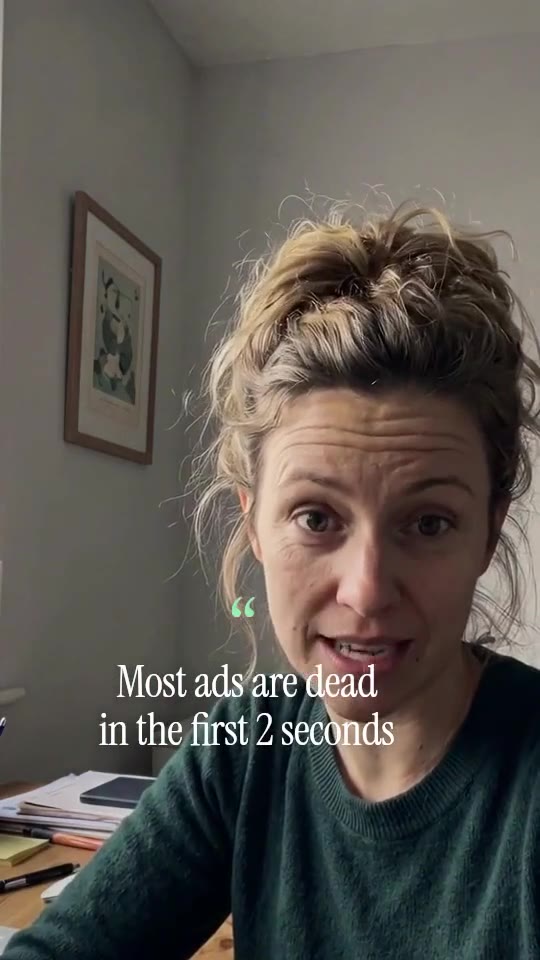
A customer in their own words: left-built captions, room to breathe, proof on screen.
Soft daylight and real places: your take graded airy, with one product beat.
Demo footage · AI-generated person · rendered by Skarv’s engine, hover or tap to play
Every style in detail04Everything an editor does
Voice, grade, captions, motion, sound and formats, done to one plan by agents that each own their part. Everything below is from the demo take.
Room noise, hum and harsh esses out, then leveled for the feed. Toggle it on the demo take.
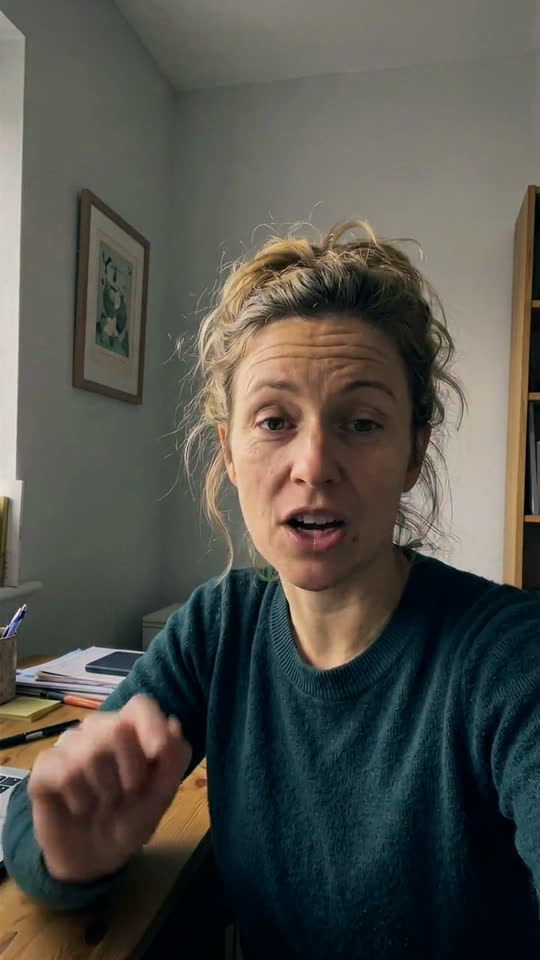
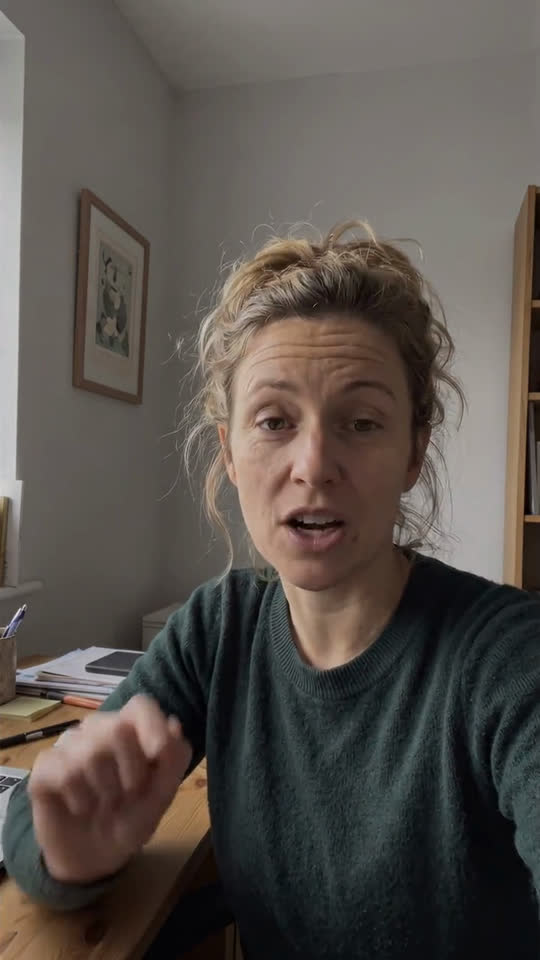 UngradedTeal & orange
10 looks, built as real color LUTs. What you preview is what renders. Drag across the frame.
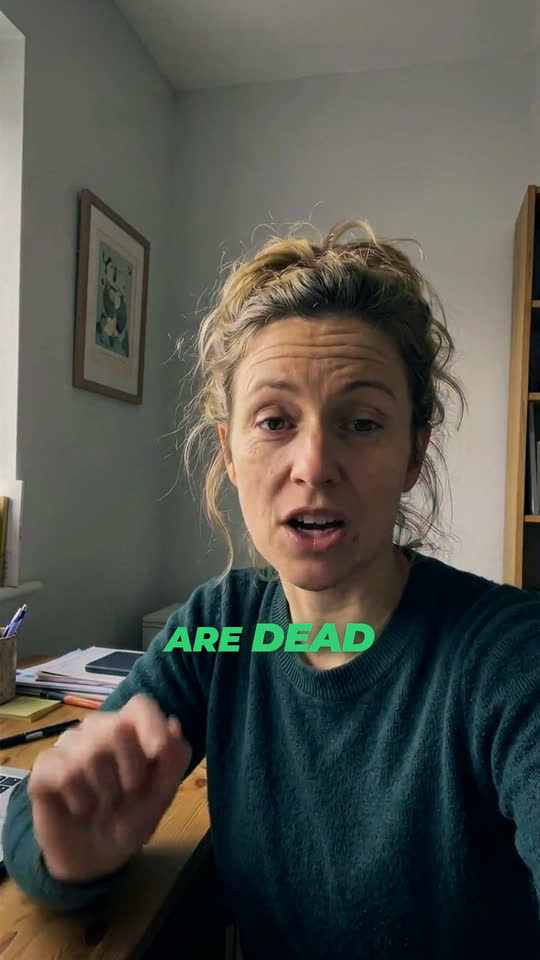
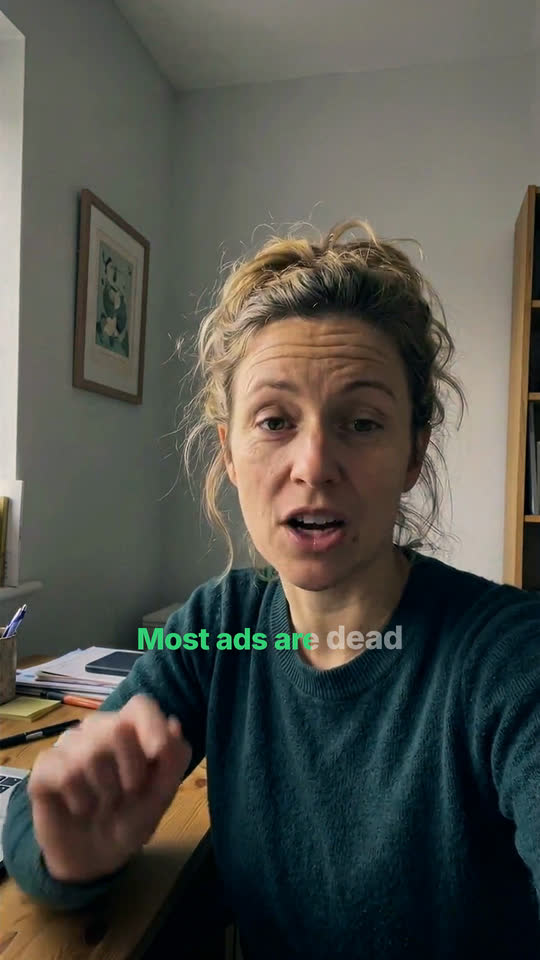
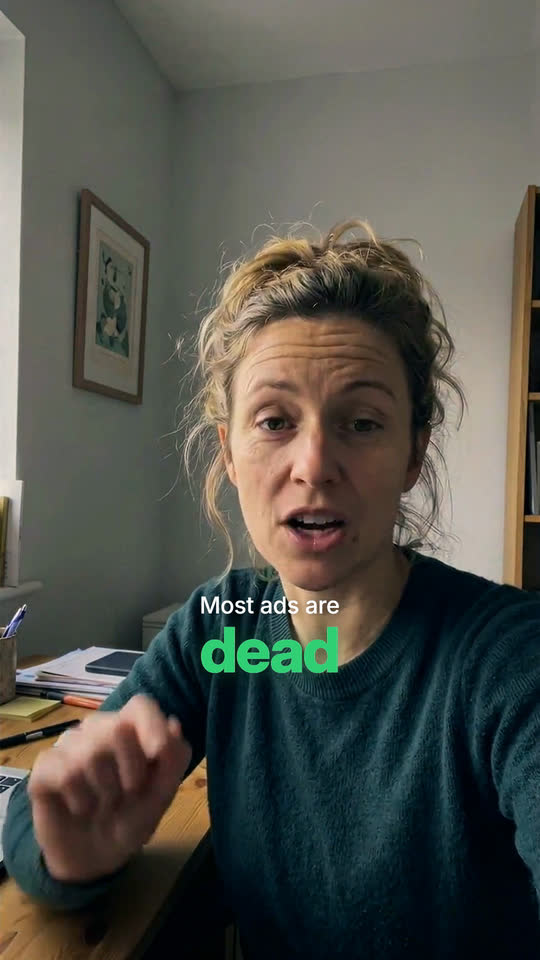
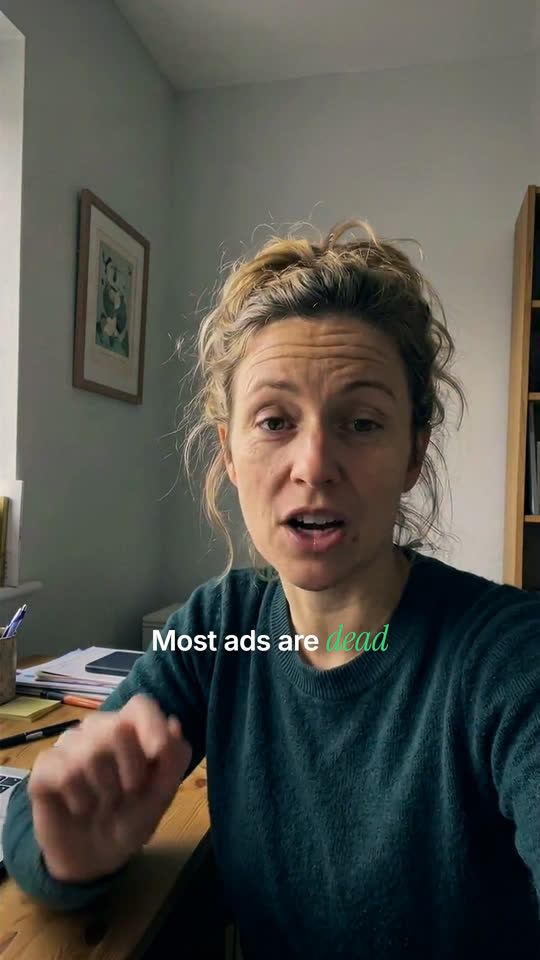
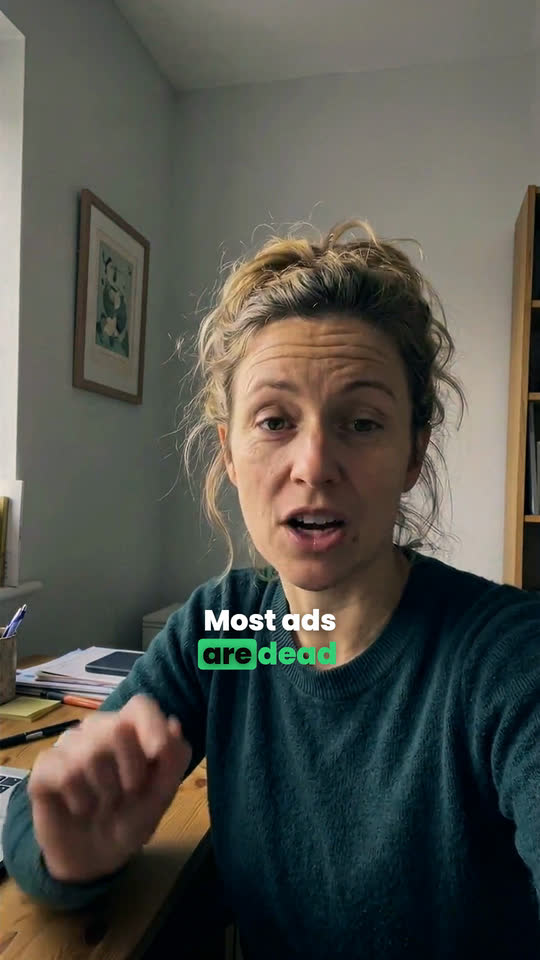
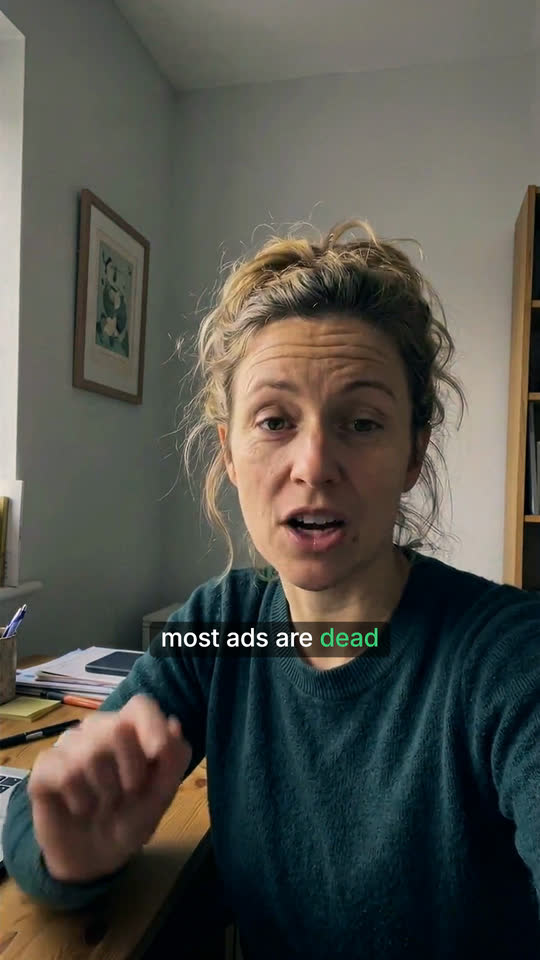
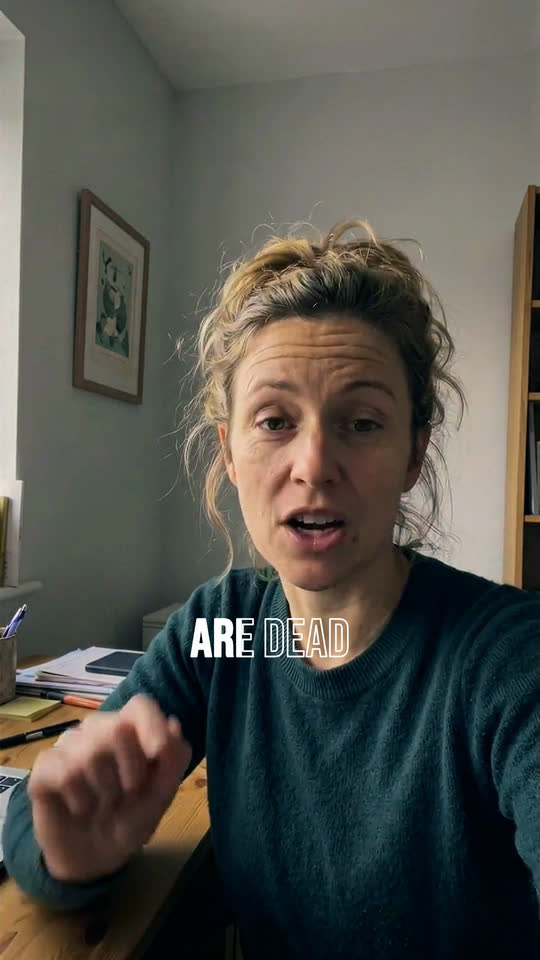
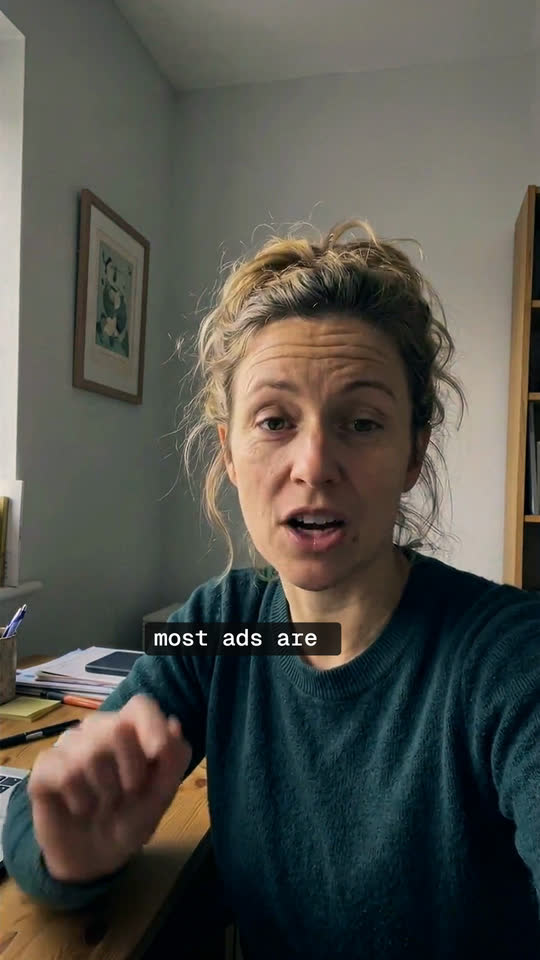
14 caption styles, timed to the word in the language you speak, with the emphasis the director picks.
67 motion templates, drawn by the same code in your browser and in the render. Highlighted: the ones in the demo.
As written As played, −6 dB under the voice
31 sounds placed on the cut and a music bed that ducks under your voice. These are the demo edit’s real cues.
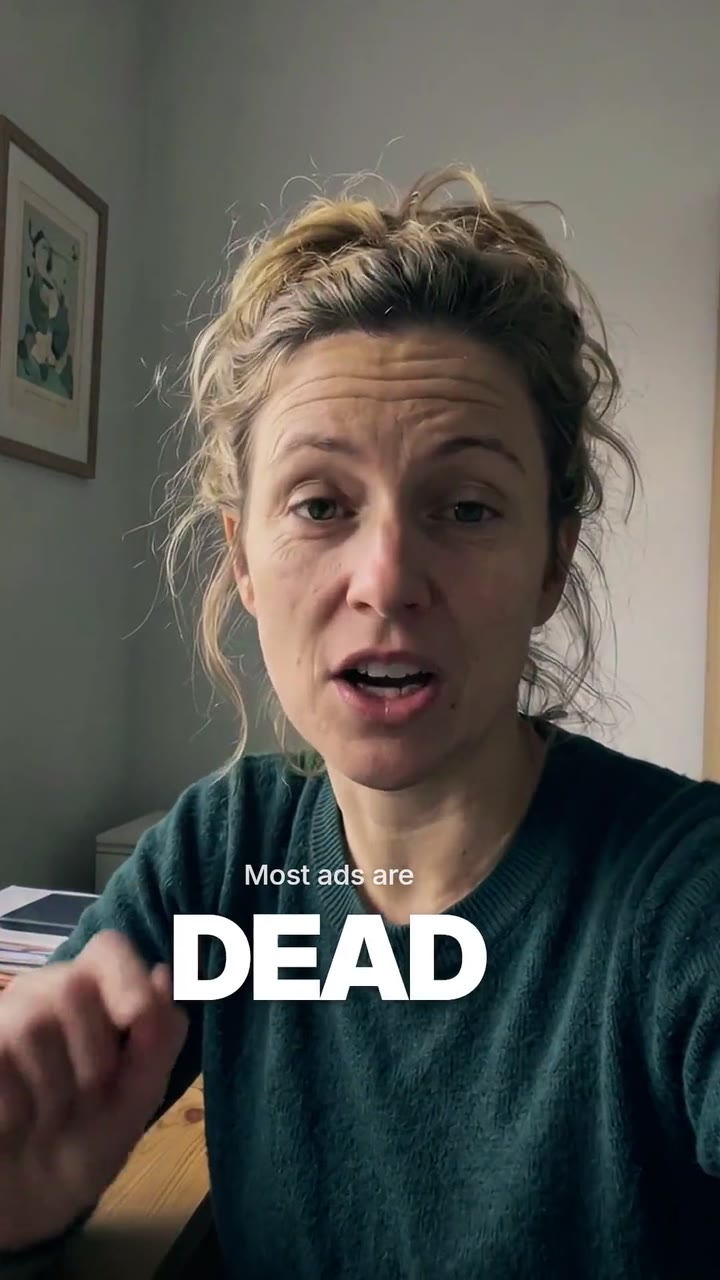
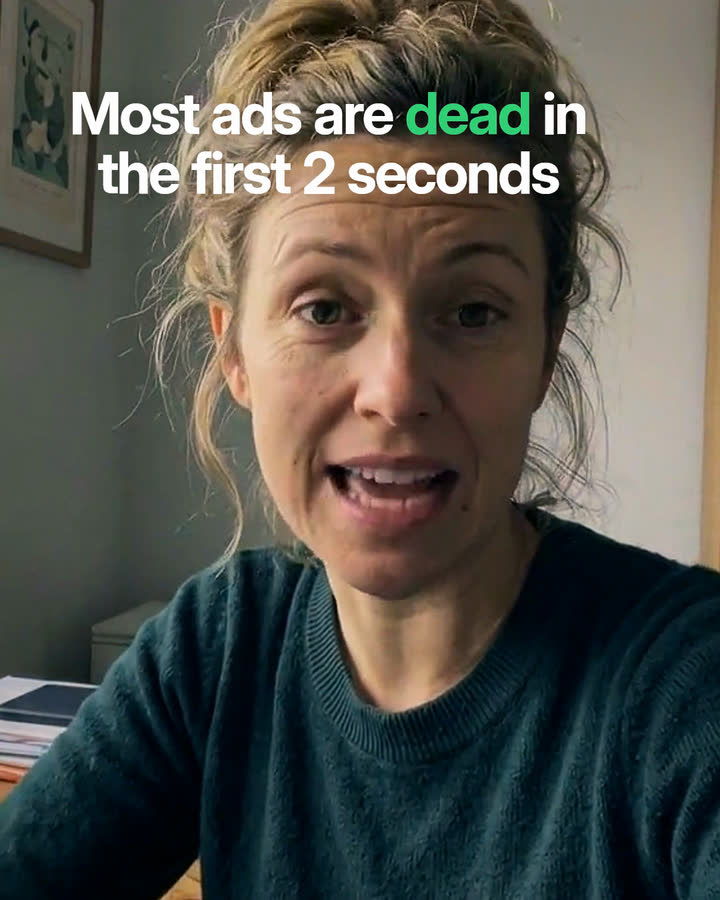
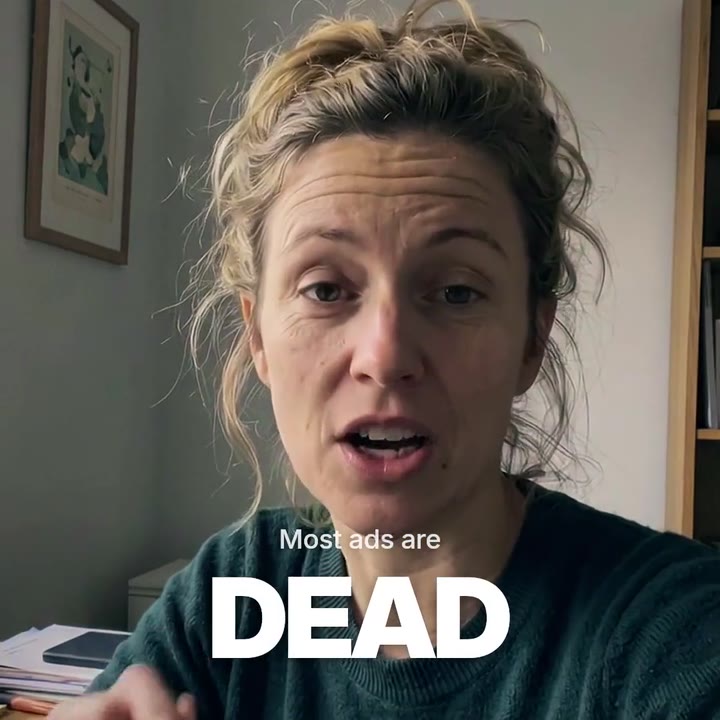
9:16, 4:5, 1:1 and 16:9 from one take, each reframed on your face. All formats are included in the price.
05Node studio
Every edit is a graph you can open: pick the provider and level per step, change a parameter, re-run from any node, and save the graph as a template. Optional depth, never a gate.
A slice of the demo take’s graph
06Brand kits
Give Skarv a brand book, a logo or your website. It pulls out the palette, type, logo versions, voice and motion cues, and every caption, title and end card follows them.
fieldnote-brand-guidelines.pdf
Also reads logo files, screenshots, past ads and your website.
#1F3A2EPaper#F2EDE4Ember#D9653BSage#8FA89AInk#141414A kit costs 30 credits to extract, once. Applying it to an edit is free. Starter includes 1 kit, Creator includes 3 kits, Team includes 10 kits, Agency includes unlimited kits.
07Pricing
Plans come with monthly credits that roll over for a month. Top up any time. Prices in USD, excluding VAT.
$29/ month
Billed monthly. Cancel any time.
$79/ month
Billed monthly. Cancel any time.
$199/ month
Billed monthly. Cancel any time.
$499/ month
Billed monthly. Cancel any time.
08Questions
A credit is $0.10 at the top-up price, and less on a plan. An edit costs a number of credits per minute of finished film, set by the Surge level: a 45-second ad is 9 at Draft, 18 at Clean, 57 at Pro, 139 at Studio, 338 at Master. Every format is included.
You see the price before anything runs. Skarv holds the credits while it works, charges what the edit actually used, and gives everything back automatically if a job fails.
You do. You keep every right to what you upload and to the films Skarv makes from it. You must own the footage or have permission to use it, including the people in it. See the terms and acceptable use.
Skarv transcribes, captions and writes post copy in the language you speak in the take, across the major world languages our speech providers cover. Caption emphasis is tuned for English and Swedish today; other languages get even emphasis. Dubbing into another language is an add-on. The app itself is in English.
Finished renders stay available for 90 days on paid plans and 7 days on the free trial. When you delete a project or close your account, its files are purged within 30 days. Details in the privacy policy.
Yes. Skarv edits your real footage. When an edit contains generated material, such as AI B-roll, an AI background or a generated image, the editor tells you, and the file carries a machine-readable label, as the EU AI Act (article 50) requires. More in AI and your content.
Yes. The free trial gives you 80 credits for 14 days, up to the Pro level, with a 720p watermarked export and films up to 60 seconds. No card needed. That is enough for six one-minute Draft edits, three one-minute Clean edits or one one-minute Pro edit.